Serving K-12 schools throughout the Great Plains & Midwest for 45+ years(316) 558-3849  ·  info@gohaddock.com
Haddock Education Technologies

New for K-12 · 24″ poster printer

Big posters. Big pride. Big return.

The imagePROGRAF TM-515 puts a print shop in your school’s workroom. Make posters, banners and wall graphics in-house, in minutes, and turn what used to be a cost into school spirit and funds for your programs.

Jump to: What’s in the box · Specs · FAQ

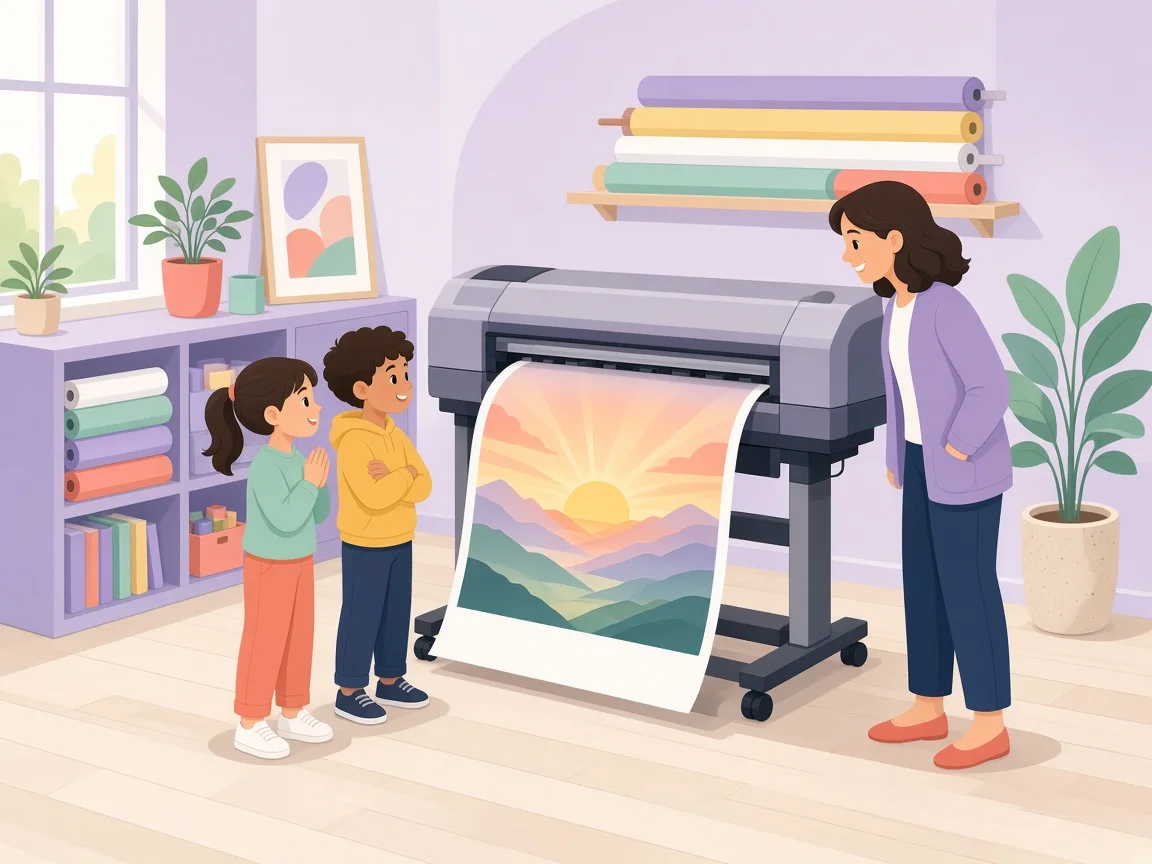
Illustration of a teacher and two students admiring a large colorful poster coming out of a poster printer in a school workroomUp to 24″ wide

The money maker

Print it yourself. Keep the difference.

Every school needs signs, posters and banners. The imagePROGRAF TM-515 lets you make them on your own schedule, and sell them if you want to.

Stop paying per poster

Outside print shops charge for each piece, and rush jobs can cost extra. When you print in-house, you pay for paper and ink, and the schedule is yours.

Sell what you print

Senior banners, team posters, sponsor banners and event signs are things families and local businesses already want. Print them yourself and more of what you charge stays with your program.

Say yes to more ideas

When a last-minute sign doesn’t mean a vendor order, “Can we make one?” becomes “Sure.” Hallway displays, recognition walls and library promos finally get made.

What’s built in

Everything schools ask for, ready to print.

Cost effective

Outside print shops charge by the piece, often add rush fees, and ship on their schedule. Print in-house and your cost is paper and ink, on your timeline.

Wireless printing

Send posters from your computer, tablet or phone over your school’s network. No cables, no walking a laptop to the printer.

Driverless printing for Chromebooks

It supports Mopria, AirPrint and IPP Everywhere driverless printing, so Chromebooks, iPads, Macs, Windows and Android devices can print to it without installing extra drivers. Your teachers can simply print.

Waterproof ink available

Waterproof ink is available for projects that need to stand up to moisture. Tell us what you plan to print and we’ll help you choose.

Custom templates

Start from a template, then make it yours with your colors, mascot and photos. Reuse your best designs again and again.

Edge-to-edge printing

Print borderless on roll paper, all the way to the edge, so posters look finished without trimming off a white border.

Flash drive printing

No computer nearby? Plug in a USB flash drive and print supported PDF and JPEG files straight from the printer’s touchscreen.

Free stock photo library

A free stock photo library gives students and staff great images to build from, so your posters never start from a blank page.

From idea to hallway

Four easy steps.

Pick a template

Start from a ready-made design or your own idea. Add your school colors, mascot and photos.

Find the perfect image

Browse the free stock photo library, or upload your own student and team photos.

Print your way

Send it wirelessly from a computer, Chromebook or phone, or print from a flash drive at the printer.

Hang it, share it, sell it

Display it in the hallway, hand it to a sponsor, or sell it at your next event.

Illustration of students and parents at a booster club table with printed senior portrait banners

Let it earn its keep

Posters people will gladly pay for.

Your community already loves seeing its students celebrated. Here are ways schools put an in-house poster printer to work.

  • Senior recognition banners families can order
  • Sponsor banners for local businesses and booster clubs
  • Team and club posters for athletes and performers
  • Event and fundraiser signs, printed on demand
  • Hallway and library displays that change with the season
  • A student-run print shop for CTE, business or special education programs

Check your school or district’s fundraising and sponsorship policies before you start selling. Looking for funding for equipment? Try our free Funded Classroom grant search.

Success stories

Real schools. Real results.

Schools across the country already make money and save money by printing large-format graphics themselves. These stories come from independent news sources. They are not Haddock customer stories, and your results will vary.

Earns money for athletics

Jefferson Jr/Sr High School · Edgewater, Colorado

Jefferson invites local businesses to sponsor its athletic teams with banners on the turf-field fence, the tennis courts and in the gym. The school makes those banners itself through a class and covers the production cost, and the sponsorship fees support the athletic program.

Source: Edgewater Echo, August 12, 2022

Earns money for a student club

Alpharetta High School · Alpharetta, Georgia

Students started a print shop in 2023 as a fundraiser for the school’s Future Business Leaders of America chapter. It now serves more than 100 clients, mostly school programs, and printed banners for each of the school’s clubs for a community festival. Its student co-CEO says the in-house shop has saved the school thousands of dollars.

Source: Alpharetta-Roswell Herald, February 10, 2026

Pays for its own equipment

Roseville Area High School · Roseville, Minnesota

Raider Graphics is a working print shop inside the high school. It takes orders for apparel, banners and vinyl signs from teams, local businesses and nonprofits, and students can work paid after-school jobs there. The shop’s production manager says the program has bought its equipment by doing jobs for customers.

Source: The Roseville Reader, November 6, 2026

Self-sustaining student business

Sparta High School · Sparta, Michigan

A community foundation grant and donations helped Sparta High buy a banner printer for its Career Academy. Students now design and print banners for local businesses, school events and athletic teams, working with the sports boosters. The school charges just enough to keep the program self-sustaining, and students practice real client skills along the way.

Source: School News Network, February 13, 2018

Saves money for a district

Blue Valley School District · Overland Park, Kansas

A hallway mural was quoted by an outside company at about $24,000. The district’s own printing team expected to produce it in-house for roughly one-eighth to one-tenth of that price, saving more than $20,000. By the 2018-19 school year, its wide-format work was already up 141% over the entire 2016-17 school year.

Source: In-Plant Impressions, July 10, 2019

Illustration of rolls of paper, ink bottles and printed posters

Supplies

Keep the posters coming.

Haddock can supply the paper, ink and other supplies to keep your printer busy, including waterproof ink. Tell us what you plan to print and we’ll recommend what fits.

Request a supplies quote

What’s in the box

Ready to set up. Paper on us.

The imagePROGRAF TM-515 arrives with its stand, print head and starter ink. No paper comes in the box. That’s why Haddock adds a free starter paper pack.

In the box

  • The printer. The imagePROGRAF TM-515 24″ large-format printer.
  • Stand with catch basket. A floor stand with a catch basket for finished prints.
  • Print head and maintenance cartridge. The PF-06 print head and a maintenance cartridge, already installed.
  • Starter ink, 490 ml. 130 ml of matte black, plus 90 ml each of black, cyan, magenta and yellow.
  • Roll holder. One roll holder for 2″ cores, with 3″ core adapters.
  • Power cord and setup guides. Everything you need to plug in and get set up.
  • Software to download. Free download, including PosterArtist and Direct Print Plus.

No paper is included in the box.

Specifications

imagePROGRAF TM-515 specs

A 24″ large-format printer with 5 pigment inks, up to 2,400 x 1,200 dpi, 2″ and 3″ roll cores, wireless and flash drive printing, and driverless printing for Chromebooks.

imagePROGRAF TM-515 specifications
Model
ModelimagePROGRAF TM-515
Haddock SKUCPTM515
Part number7456C002AA
Printer type24″ large-format inkjet, 5-color pigment ink
Print quality and speed
Inks5 pigment inks: matte black, black, cyan, magenta and yellow
Print headPF-06, one print head, user-replaceable
Nozzles15,360 total: 5,120 matte black, 2,560 each for black, cyan, magenta and yellow
Maximum resolution2,400 x 1,200 dpi
Smallest ink droplet5 picoliters
Line accuracy±0.1% or less (after user adjustment)
Poster speed, plain paper, A1 (23.4″ x 33.1″)22 seconds (Fast Economy), 25 seconds (Fast), 44 seconds (Standard)
Poster speed, heavy coated paper, A155 seconds (Fast), 1 minute 21 seconds (Standard)
Line drawing speed, plain paper, A120 seconds (Fast Economy), 40 seconds (Standard)
Paper handling
Paper width8″ to 24″ (roll or cut sheet)
Roll cores2″ and 3″ (3″ with the included core adapters)
Largest roll5.9″ outside diameter (150 mm)
Paper thickness0.003″ to 0.03″ (0.07 to 0.8 mm)
Longest print59 ft on roll paper (varies by app and operating system); 5.2 ft on cut sheets
Shortest print8″ on roll paper; 11″ on cut sheets
Borderless printing (roll paper)Recommended widths: 10″, 14″, 17″ and 24″. Also prints borderless at 8″, 12″, 15″, 16″, 18″, 20″ and 22″, plus custom widths
Paper loadingOne roll, loads from the top, prints out the front; cut sheets fed by hand
CutterAutomatic rotary cutter
Connections and printing
ConnectionsHi-Speed USB 2.0, Gigabit Ethernet (10/100/1000), Wi-Fi 802.11 b/g/n
Flash drive printingUSB-A port for printing PDF and JPEG files from a USB flash drive
Driverless printingAirPrint (Mac, iPhone, iPad), Mopria (Android, Windows), IPP Everywhere (Chromebooks)
Memory128 GB (2 GB physical)
Storage256 GB encrypted SSD
Control panel4.3″ color touchscreen that tilts
Power, size and environment
PowerAC 100 to 240 V, 50/60 Hz
Power useAbout 64 W printing, 2.2 W in sleep mode, 0.06 W off
NoiseAbout 41 dB(A) printing; 35 dB(A) or less on standby
Operating environment59°F to 86°F, 10% to 80% relative humidity, no condensation
Size with stand (W x D x H)38.5″ x 34.2″ x 41″ with basket open; 38.5″ x 29.8″ x 41″ with basket closed
Weight with standAbout 119 lb
EnvironmentalEPEAT 1.0 Gold and EPEAT 2.0 Bronze, registered in the U.S.

Specs from manufacturer data sheets. Figures are approximate and can change without notice. Speeds are measured by the manufacturer and depend on the file, paper and settings.

Common questions

Quick answers

Can Chromebooks print to it?

Yes. It supports Mopria and driverless printing, so Chromebooks and other devices can print to it without installing extra drivers.

Can I print without a computer?

Yes. Plug in a USB flash drive and print supported PDF and JPEG files from the printer’s touchscreen.

How wide are the prints, and can I print edge to edge?

The printer uses rolls up to 24 inches wide. It can print borderless, edge to edge, on roll paper, so there is no white border to trim.

Can I print posters for outside?

Waterproof ink is available. Tell us about your project and we’ll help you choose the right paper and ink.

How much does it cost?

It depends on what you need, so contact us for a quote. Use the form on this page, or call (316) 558-3849. We can quote the printer, supplies, or both.

What comes in the box?

The imagePROGRAF TM-515 printer, a stand with a catch basket, the PF-06 print head and a maintenance cartridge (already installed), 490 ml of starter ink (130 ml matte black plus 90 ml each of black, cyan, magenta and yellow), one roll holder for 2″ cores with 3″ core adapters, a power cord and setup guides. Software, including PosterArtist and Direct Print Plus, is a free download.

Is paper included?

No paper comes in the box, so Haddock adds a free starter paper pack ($210 retail value): two rolls of Canon 24 lb Premium Coated Bond (24″ x 300′) and one roll of Canon Heavyweight Matte Coated Paper (230 gsm, 24″ x 100′). Both rolls fit the included roll holder.

What roll cores does it take?

It takes paper on 2″ and 3″ cores. The included roll holder fits 2″ cores, and the included adapters fit 3″ cores. Rolls can be up to 5.9″ across on the outside.

What paper sizes and thicknesses can it print on?

Roll or cut-sheet paper from 8″ to 24″ wide, from 0.003″ to 0.03″ thick. Roll prints can be up to 59 feet long.

How fast does it print a poster?

An A1 poster (23.4″ x 33.1″) on plain paper prints in about 22 seconds in Fast Economy mode, or 44 seconds in Standard mode. On heavy coated paper, about 55 seconds in Fast mode.

What ink does it use?

Five pigment inks: matte black, black, cyan, magenta and yellow. Replacement ink tanks come in 130 ml and 300 ml sizes, and Haddock can quote them for you.

Get a quote

Ready to print your own?

Tell us a little about your school and what you’d like to print. An Education Consultant will reach out with a quote. No pressure.

Prefer to talk? Call (316) 558-3849 or email info@gohaddock.com.

Last updated November 26, 2026 · Haddock Education Technologies